Five Invoices Arrived in Five Different Formats. Does Your Team Still Enter Every Detail Manually?
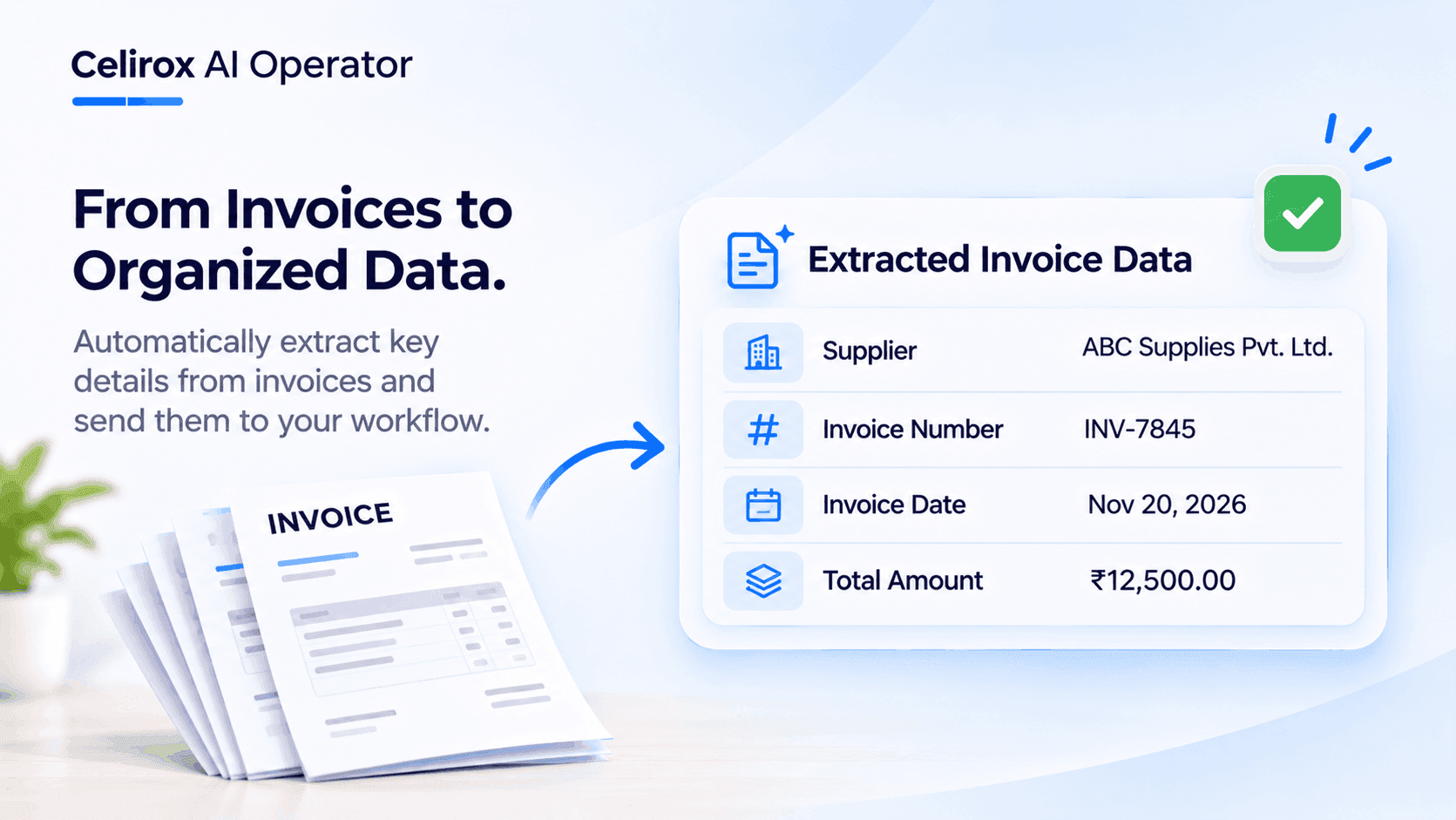
Imagine your purchasing team receives five invoices from five different suppliers.
One supplier sends a PDF. Another sends a scanned document. A third uses a spreadsheet, while the remaining two send invoices with completely different layouts.
The documents contain similar information, but finding that information takes time.
Someone needs to open each file, identify the supplier name, locate the invoice number, check the date, find the total amount, and enter the details into a spreadsheet or business system.
Then the same process starts again with the next batch of invoices.
The challenge isn't simply receiving documents. It's turning information stored in different formats into something the business can actually use.
This is where AI-powered invoice processing can help.
Why Different Invoice Formats Create More Work
Supplier invoices generally contain familiar information, but suppliers don't necessarily present it in the same way.
For example:
- One invoice places the invoice number at the top-right corner.
- Another puts it below the supplier's address.
- One document displays tax as a separate line item.
- Another includes tax information in a summary section.
- A scanned invoice may require text recognition before its contents can be processed.
A person can usually understand these differences by reading the documents. However, manually locating and recording the same information repeatedly creates unnecessary administrative work.
As invoice volume increases, the team has to spend more time collecting information instead of reviewing it and handling important business decisions.
What Information Can AI Extract From an Invoice?
An AI-powered document processing workflow can identify and organize relevant invoice information, depending on the document quality and the extraction instructions.
Common fields include:
| Invoice field | Information to capture |
|---|---|
| Supplier name | Name of the company issuing the invoice |
| Invoice number | Unique invoice reference |
| Invoice date | Date the invoice was issued |
| Due date | Payment deadline, when provided |
| Line items | Products, services, quantities, and prices |
| Tax details | Applicable tax amounts and descriptions |
| Total amount | Final invoice amount |
Instead of manually copying every field, the workflow can extract the information and organize it into a consistent structure.
The result is easier for a team member or connected business system to review and process.
How AI Invoice Processing Works
A practical invoice-processing workflow can be divided into a few stages.
1. Receive the documents
Invoices arrive through the business's configured document source, such as an email attachment or another connected application.
2. Read the invoice contents
The document is processed so its text and relevant information can be identified. Scanned documents may require OCR or another text-recognition step.
3. Extract important fields
AI identifies the requested information, such as the supplier, invoice number, date, line items, tax details, and total amount.
4. Organize the information
The extracted details are structured into consistent fields rather than remaining scattered across separate documents.
5. Review and continue the workflow
The organized information can be sent to a configured destination or review process. A team member should verify important financial details before approving payments or updating final accounting records.
This distinction matters: extracting information is not the same as approving an invoice or authorizing a payment.
How Celirox AI Operator Fits Into This Workflow
Celirox AI Operator helps businesses connect AI-powered processing with their wider workflows.
For an invoice-processing use case, a configured workflow can take incoming documents, use AI to extract relevant information, organize the results, and pass the structured data to the next connected step.
For example, a business could organize extracted invoice details for a review process rather than asking an employee to copy every field manually.
The workflow can be designed around the applications and steps the business uses. The exact process depends on the connected services, document inputs, and configuration.
The goal is not to remove financial oversight. It is to reduce repetitive information-handling work so employees can spend more time checking accuracy, resolving exceptions, and making decisions.
Why Human Review Still Matters
AI extraction can make document processing faster, but invoices contain financial information that deserves careful attention.
A damaged scan, unclear amount, unusual tax entry, or incorrectly recognized invoice number can affect the extracted result.
A sensible workflow should therefore include checks such as:
- Verify supplier identity and invoice number.
- Compare extracted totals with the original document.
- Review tax amounts and line items.
- Flag missing or unclear information.
- Require appropriate approval before payment.
Automation should make the review process more organized, not eliminate the responsibility to verify financial records.
Frequently Asked Questions
What is AI invoice processing?
AI invoice processing uses artificial intelligence and document-processing techniques to identify, extract, and organize information from invoices. It can reduce the amount of manual data entry required to prepare invoice information for review.
Can AI read invoices in different formats?
AI-powered document processing can work with different invoice layouts and supported document formats. Results depend on the document type, image quality, extraction setup, and the information being requested.
Which details can be extracted from an invoice?
Common details include supplier name, invoice number, invoice date, due date, line items, quantities, tax information, and total amount. The fields depend on the document and workflow configuration.
Does AI invoice processing eliminate manual review?
No. Financial information should still be checked against the original invoice. AI can help extract and organize information, but businesses should retain appropriate review and approval processes.
Can invoice data be sent to other business applications?
Yes, when the required applications are supported and connected, a configured workflow can pass structured invoice information to another application or processing step.
Spend Less Time Copying Invoice Details
When every supplier uses a different invoice layout, manually collecting the same information can become a repetitive part of daily operations.
AI-powered document processing offers a practical way to extract relevant details and organize them into a consistent structure. Combined with connected workflows, it can help businesses move information from incoming documents to the next stage of their process.
Start with one repetitive document-handling task, define the information you need, and keep human verification in the workflow wherever accuracy matters.
Explore Celirox AI Operator to discover how AI-powered workflows can help organize business processes.